

Send one alert to several accounts
Understand how a License ID distributes a signal to multiple connected trading accounts.
Multi-Instance Signals sends an alert addressed to one License ID to every trading account connected to that ID. Use it when several accounts should receive the same trading instruction.
- TradingView
Triggers one PineConnector alert message.
- Your License ID
Identifies the group of connected accounts.
Each connected account receives the instruction
- Demo account A
Receives and processes its copy of the instruction.
- Demo account B
Receives and processes its copy of the instruction.
This is a routing example. Each account has its own broker processing result.
Before you begin
Section titled “Before you begin”- Confirm that enough instances are allocated to the intended License ID in Portal.
- Connect each intended account to the same License ID.
- For self-hosted accounts on one computer, use a separate MetaTrader terminal for each account.
- Check the broker symbol and relevant EA settings on every destination account.
Check the available allocation for the intended License ID in Connections. That ID can use only the connections allocated to it within your total plan allowance. Per-ID allocation limits can differ from total plan connections; do not assume the full total can be assigned to one ID. Use the allocation available in Portal or ask Support if it is unclear. Sharing an ID does not add connections or Edge hosting slots. Manage the allocation.
Legacy subscriptions: Advanced and Professional include Multi-Instance Signals; the published legacy Professional allowance is up to 10 accounts under one ID. Retain your actual Portal allowance when comparing plans.
Set up the group
Section titled “Set up the group”- Open Connections and find the License ID you want to use.
- Check that each intended account appears under that ID. If you need to change the allocation, follow Accounts, instances and licences.
- In your TradingView alert message, use that ID as the first field. Follow the syntax reference for the rest of the message.
- Test with demo accounts and check the outcome on each account.
You send one message to the shared ID; you do not need to add all the trading account numbers to it.
Check the results separately
Section titled “Check the results separately”The published Signal Log example shows one incoming signal and a separate result for each destination account. That distinction matters: receipt of the incoming signal does not establish that every broker executed it.
For each account, verify:
| Check | What to compare with your intention |
|---|---|
| Destination | The correct broker account received the instruction. |
| Symbol and direction | The expected instrument and buy/sell direction were used. |
| Volume and targets | The lot size, stop loss and take profit match the account’s intended setup. |
| Result | The expected order appears, or the account’s error explains why it did not. |
| Duplicates | There are no additional unintended orders from another alert or connection. |
The same instruction can produce different results if the accounts have different symbols, balances, EA interpretation settings or broker constraints. Identical routing is not a promise of identical fills or lot sizes.
If only one account receives the trade
Section titled “If only one account receives the trade”- Check that the missing account is connected under the same License ID.
- Find its individual result in the Signal Log.
- Check its symbol and EA settings rather than changing the working account’s settings first.
- Follow Errors for a recorded error, or Missing signals when you cannot locate the signal in the expected stage.
If you want several strategies to share one account instead, use Keep strategies separate. That is a different setup from copying one signal across accounts.
Watch the published walkthrough
Section titled “Watch the published walkthrough”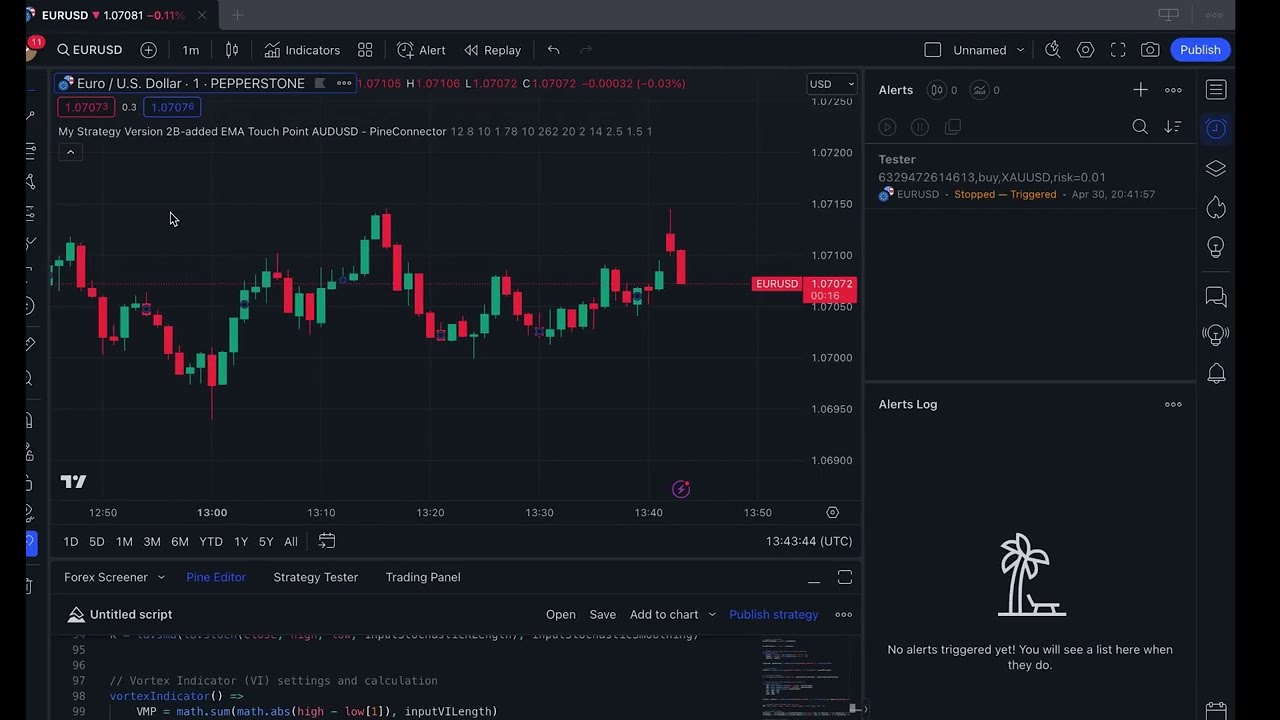
One signal across multiple trading accounts
Written summary
Connect the intended accounts under one License ID, send one reviewed message to that ID, and inspect the separate result for every account. Shared routing does not guarantee identical order sizes or broker fills.